

Web development mistakes that hurt SEO can silently sabotage your website’s visibility and organic traffic. Many beautifully designed websites never achieve their full potential in search rankings due to common SEO issues in website development. This guide will reveal the most critical errors and provide actionable solutions to boost your site’s performance.
When it comes to building a successful website, aesthetics and functionality are only part of the equation. The true measure of success lies in discoverability, and that’s where Search Engine Optimization (SEO) plays a pivotal role. Unfortunately, many businesses, developers, and marketers overlook the profound impact of web development mistakes that hurt SEO on their online presence.
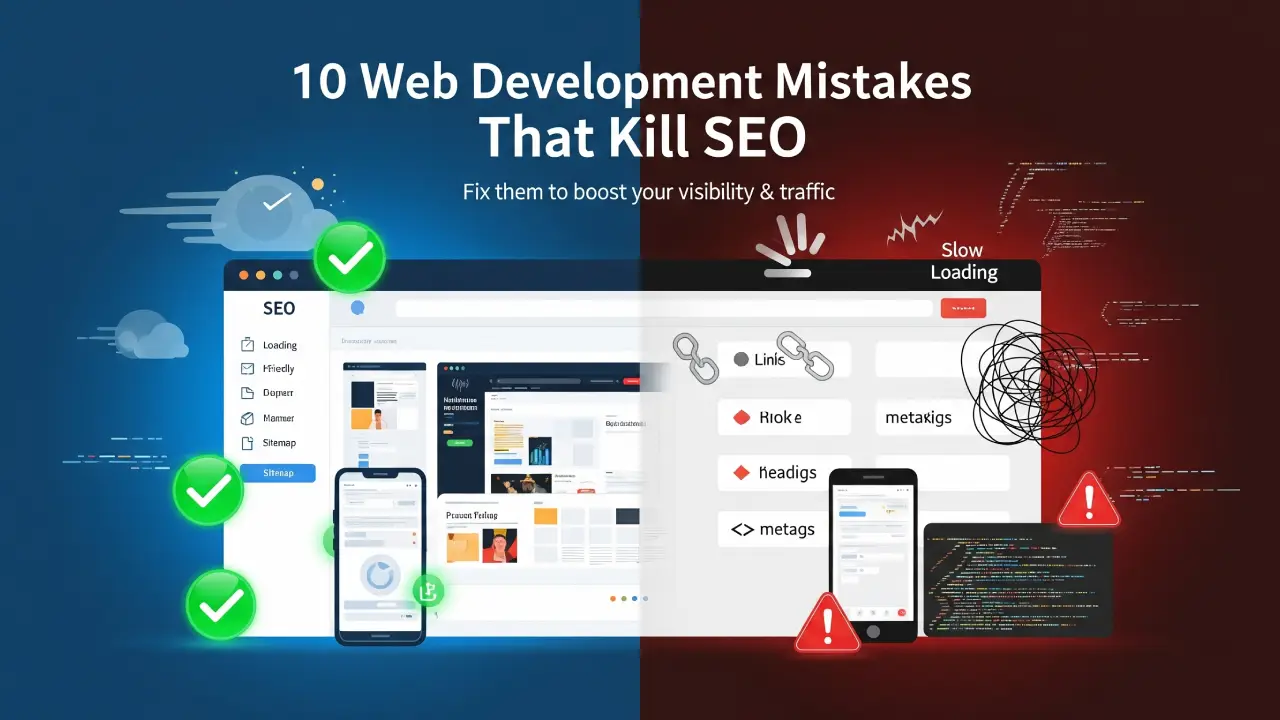
Understanding how certain technical and user experience (UX) errors affect search engine rankings is paramount. In this blog post, we’ll dive deep into the 10 most common web development mistakes that hurt SEO and provide precise, step-by-step fixes to ensure your website ranks higher and attracts more organic traffic.
Web development mistakes that hurt SEO
1. The Critical Error: Not Using Mobile-Responsive Design
Why it hurts SEO: In the age of smartphones, Google prioritizes mobile experiences. Google uses mobile-first indexing, meaning your site’s mobile version is the primary determinant of your search rankings. A non-responsive design leads to poor user experience on mobile devices and directly impacts your SEO.
How to Fix It: Embrace responsive web design. Utilize modern CSS frameworks like Bootstrap or implement CSS Flexbox and Grid for flexible layouts. Always test your site’s mobile-friendliness with Google’s Mobile-Friendly Test tool to identify and resolve any issues.
2. Slow Page Load Speed: A Major SEO Blocker
Why it hurts SEO: Site speed and SEO are inextricably linked. A slow website increases bounce rates significantly and negatively impacts your rankings, especially on mobile networks. Users expect fast-loading pages, and search engines reward sites that deliver on this expectation.
How to Fix It: Optimize images for the web (compress them, use next-gen formats like WebP), implement lazy loading for images and videos, minify CSS and JavaScript files, leverage browser caching, and use a Content Delivery Network (CDN) to serve content faster globally.
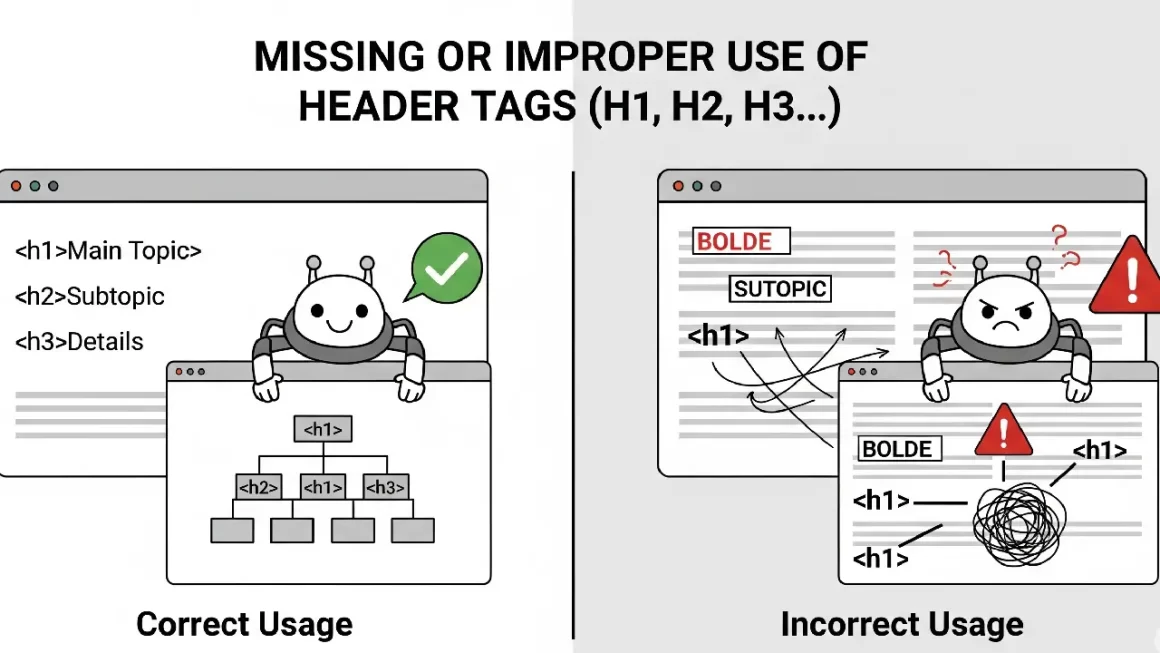
3. Missing or Improper Use of Header Tags (H1, H2, etc.)
Why it hurts SEO: Header tags (H1, H2, H3, etc.) provide structure to your content, making it easier for both users and search engines to understand the page’s hierarchy and key topics. Improper use or omission of these tags can confuse search engine crawlers and dilute your content’s relevance.
How to Fix It: Ensure every page has one unique <h1> tag that clearly states the main topic, preferably containing your focus keyword. Subsequent sections should be organized with <h2>, <h3>, and so on, following a logical content flow.
4. Poor URL Structure: Confusing for Users and Bots
Why it hurts SEO: Long, dynamic, keyword-stuffed, or unreadable URLs can confuse both users and search engines. They make it harder for search engines to understand page content and can negatively impact click-through rates from search results.
How to Fix It: Implement clean, descriptive, and keyword-rich URLs (e.g., /web-development-seo-mistakes). Keep them concise and avoid unnecessary query parameters where static URLs are possible.
5. Not Implementing Schema Markup (Structured Data)
Why it hurts SEO: Without structured data SEO, your website misses out on opportunities for rich snippets and enhanced search listings (e.g., star ratings, FAQs, product information directly in search results). This can significantly reduce your visibility and click-through rates.
How to Fix It: Use Schema.org markup to provide context to your content. Implement relevant schema types like Article, Product, Review, FAQPage, or LocalBusiness to help search engines better understand and display your content. Google’s Structured Data Testing Tool can help validate your implementation.
6. JavaScript-Heavy Pages Without Server-Side Rendering (SSR)
Why it hurts SEO: If your website heavily relies on JavaScript for content rendering on the client-side, Googlebot may struggle to fully crawl and index all your content, especially if it takes too long to execute the JavaScript. This is a common JavaScript SEO challenge.
How to Fix It: For critical content, consider using server-side rendering (SSR), static site generation (SSG), or dynamic rendering to ensure HTML content is readily available to search engine crawlers. Alternatively, ensure your JavaScript is optimized for crawlability and Googlebot can successfully render it.
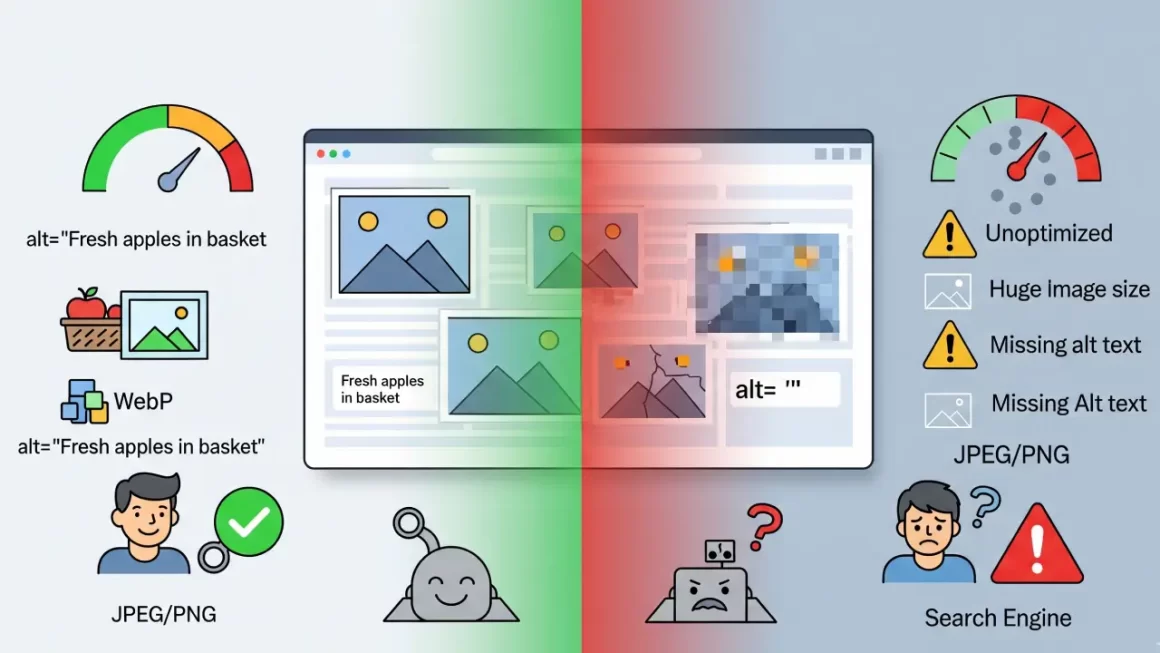
7. Lack of Image Optimization: A Silent Speed Killer
Why it hurts SEO: Uncompressed images are a primary culprit behind slow page load speeds. Furthermore, missing or uninformative alt text for images impacts accessibility and reduces visibility in image search results. This is a crucial aspect of image optimization for SEO.
How to Fix It: Compress images using tools like TinyPNG or ImageOptim. Use modern image formats like WebP. Always include descriptive alt text for all images, as it helps search engines understand the image content and improves accessibility for visually impaired users.
8. Not Setting Canonical Tags: Solving Duplicate Content Issues
Why it hurts SEO: Duplicate content, even if slight variations exist (e.g., different URLs for the same product), can confuse search engines and dilute your ranking signals. Search engines might not know which version to index, leading to suboptimal rankings.
How to Fix It: Implement canonical tags SEO (<link rel=”canonical” href=”…”>) to point to the preferred, original version of a piece of content. This tells search engines which URL is authoritative and should receive the ranking credit.
9. Broken Links and 404 Errors: A Sign of Poor Maintenance
Why it hurts SEO: Broken links (404 Not Found errors) degrade the user experience and signal to search engines that your site is poorly maintained. This can negatively impact your crawl budget and rankings.
How to Fix It: Regularly audit your website for broken links using tools like Google Search Console, Screaming Frog, or Ahrefs. Fix broken internal links promptly and set up 301 redirects for broken external links when the content has moved.
10. Ignoring XML Sitemaps and Robots.txt: Hindering Crawlability
Why it hurts SEO: If search engines can’t effectively crawl and index your website, your content won’t appear in search results. An unoptimized robots.txt file or missing XML sitemap can prevent important pages from being discovered. These are fundamental technical SEO tips.
How to Fix It: Create and submit an up-to-date XML sitemap to Google Search Console to help search engines discover all important pages on your site. Ensure your robots.txt file is correctly configured to allow (not block) access to relevant content while disallowing access to private or unimportant sections.
In today’s competitive digital landscape, overlooking web development mistakes that hurt SEO can silently sabotage your website’s performance and limit its reach—even if everything appears perfect on the surface. By diligently addressing these 10 critical issues, you lay a robust foundation for a faster, more crawlable, and ultimately, higher-ranking website.
Let 18pixels Help You Bridge the Gap Between SEO and Development
Connect with our team for a consultation that uncovers hidden technical issues and positions your site for long-term success.➡️ Start Your Consultation
Don’t stop here—discover more in our latest blog –
18Pixels Nonprofit CRM Solutions
AI in E-commerce
10 Signs Your Shopify Store Isn’t Working — And How to Fix Them Fast
Post Views: 886
