ERP vs Traditional Management Tools: Which Saves More Time? The answer is clear: modern ERP saves significantly more time by centralizing data, automating workflows, and delivering real-time insights, while traditional tools consume time through manual processes and ongoing reconciliation.
ERP vs Traditional Management Tools: Which Saves More Time? This in-depth guide breaks down time savings, automation opportunities, KPIs, and implementation paths—plus how 18Pixels can accelerate deployment for faster ROI.
What is ERP vs traditional management tools?
- ERP (Enterprise Resource Planning): An integrated platform connecting finance, sales, inventory, procurement, HR, production, and projects with one real-time database and automated workflows.
- Traditional management tools: A patchwork of spreadsheets, standalone accounting apps, inventory tools, emails, and shared drives—cheap and familiar but siloed and time-consuming at scale.
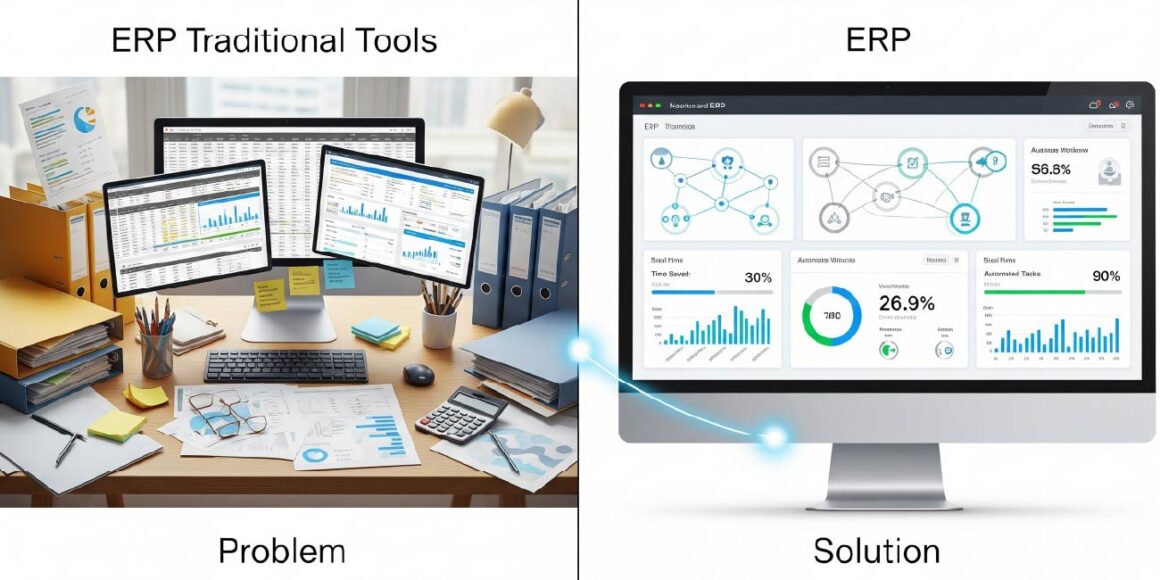
Core time-saving advantages of ERP
- Single source of truth: One database eliminates duplicate entry and reconciliation, cutting hours per week spent merging spreadsheets across departments.
- Automated workflows: Auto-approvals, scheduled jobs, invoice matching, and PO generation remove email chasing and manual handoffs.
- Real-time dashboards: Live KPIs for cash flow, aging, stock levels, order status, and margin replace manual report building.
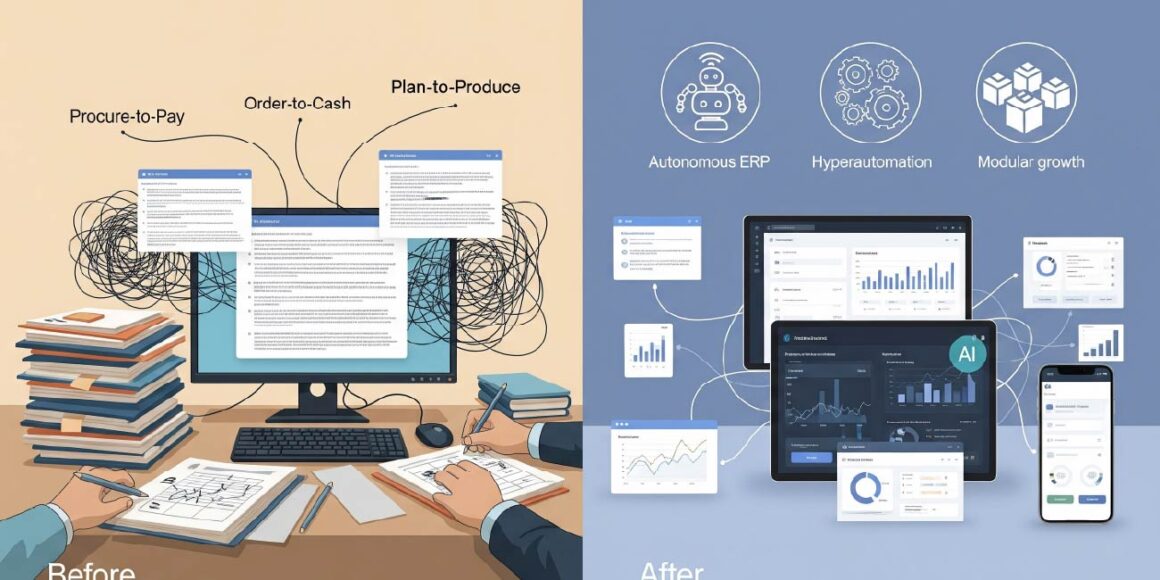
- Integrated processes: End-to-end order-to-cash, procure-to-pay, and plan-to-produce reduce wait times and context switching.
- Rapid time-to-value (cloud): Preconfigured industry templates and no hardware setup compress go-live to months, not years.
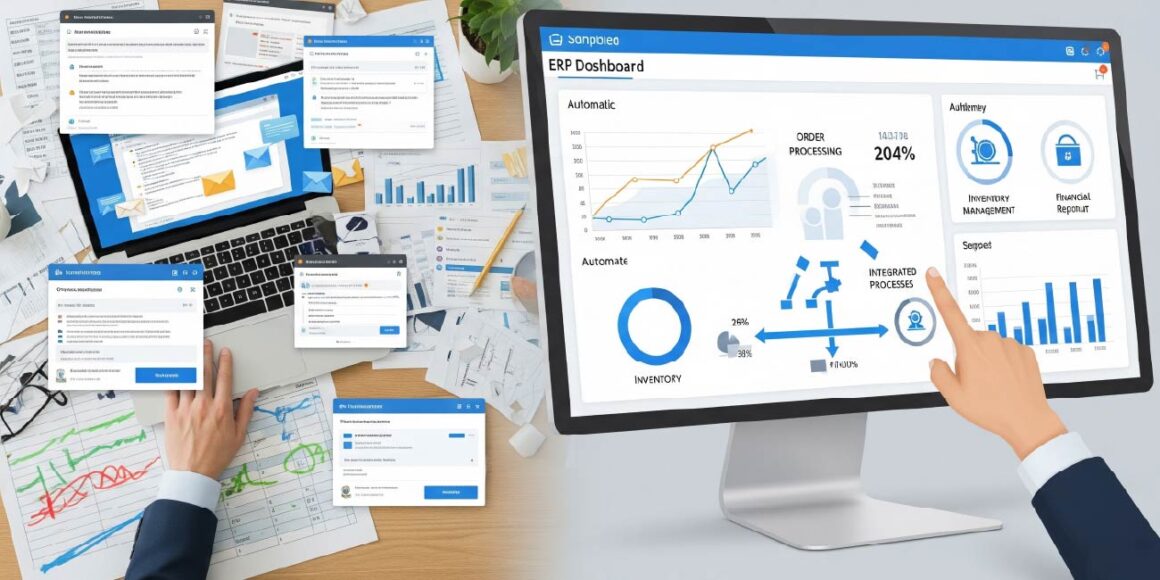
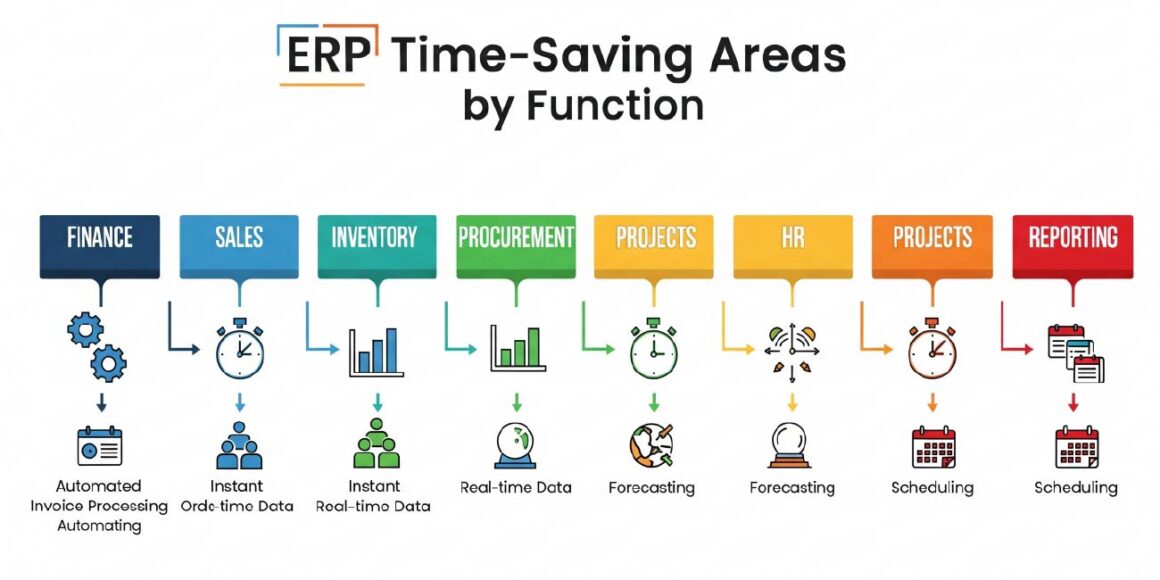
Where ERP saves the most time (by function)
- Finance and accounting
- Automated AR/AP, bank reconciliation, and month-end close reduce close cycles by weeks in complex environments.
- E-invoicing, recurring billing, and rule-based postings remove manual journal prep.
- Sales to fulfillment
- Quote-to-order-to-invoice without re-entry; integrated credit checks and freight rules accelerate order cycle times.
- Real-time inventory promise dates enable instant confirmations.
- Inventory and supply chain
- Demand forecasting, reorder points, and lead-time aware MRP reduce stockouts and overstock time sinks.
- Barcode/RFID with mobile apps cuts cycle count and picking times dramatically.
- Procurement
- Auto-generated POs from MRP, vendor scorecards, and contract thresholds prevent delays and maverick spend reviews.
- HR and payroll
- Time/attendance sync, payroll runs, and compliance filings executed on schedule without spreadsheet collection.
- Projects and services
- Resource scheduling, timesheets, approvals, and milestone billing in one flow reduces admin overhead.
- Reporting and compliance
- Scheduled dashboards and built-in audit trails eliminate manual collation, accelerate audits, and reduce rework time.
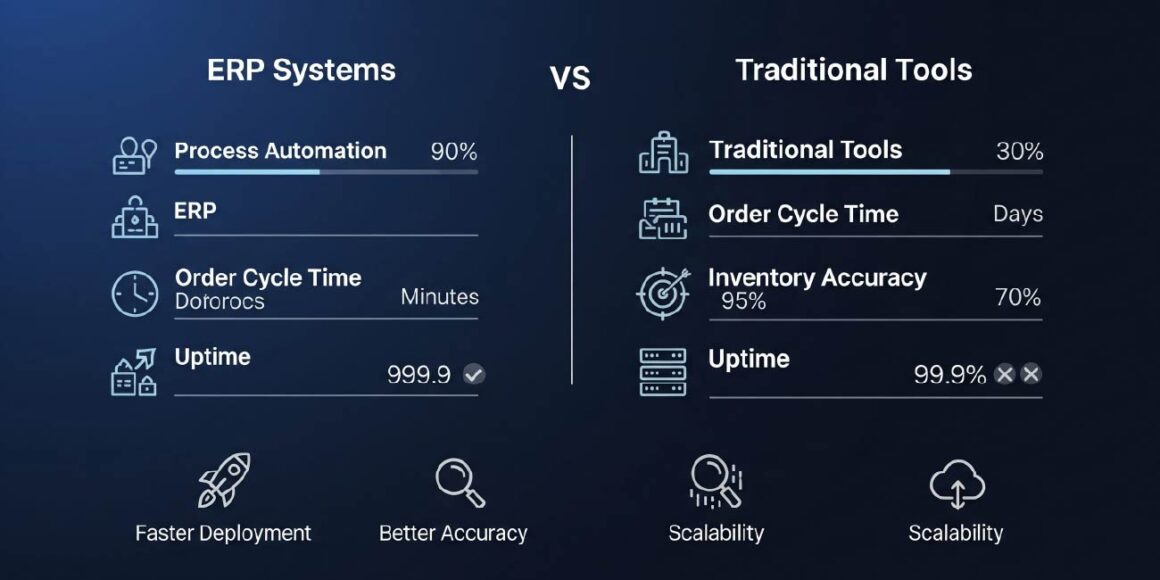
Quantifying time savings: benchmark KPIs
Use these KPI ranges to set realistic targets and measure impact after ERP go-live.
- Process automation rate: Target 50–80% reduction in manual steps across priority workflows.
- Order cycle time: Reduce from 48 hours to 12 hours with integrated approvals and logistics.
- Inventory accuracy: Target 95%+ with scanning and system-driven movements.
- Inventory turnover: Improve from 4x to 6x per year with better planning and fulfillment.
- On-time delivery rate: Benchmark toward 98%+ with integrated supply and production signals.
- Carrying cost reduction: Aim for 15–20% savings through precise replenishment.
- Error rate improvement: Reduce errors by up to 90% via validations and automation.
- System availability: Maintain 99%+ uptime with cloud ERP and managed SLAs.
ERP vs traditional tools: time-to-value and scalability
| Dimension | ERP (Cloud-First) | Traditional Tools |
| Deployment time | 3–6 months via templates and no hardware | N/A (piecemeal setup); integration takes ongoing time |
| Updates | Automatic, minimal disruption | Manual, version drift and conflicts |
| Integration | Native APIs and connectors reduce integration time by up to 30% | Custom scripts, brittle Excel links |
| Real-time visibility | Built-in dashboards and alerts | Manual reports; weekly/monthly lag |
| Scale | Add users/modules geographies quickly | Tool sprawl and duplicate data growth |
Bottom line: Cloud ERP compresses time-to-value, keeps teams on current features, and avoids perpetual integration firefighting common with traditional stacks.
Detailed workflow examples: before vs after
- Procure-to-pay
- Before: Spreadsheet demand → email approvals → manual PO → vendor email → manual GRN → invoice matching in Excel.
- After: MRP suggests POs → rules-based approvals → EDI/API to vendor → mobile GRN → 3-way match automation → STP payments.
- Order-to-cash
- Before: CRM to ERP re-entry → email for credit approval → manual pick tickets → invoice posting at day end.
- After: CPQ to ERP sync → auto credit/risk rules → mobile pick-pack-ship → instant e-invoice and collections workflow.
- Plan-to-produce
- Before: Whiteboards and CSV uploads; manual capacity checks and reschedules.
- After: Finite capacity scheduling, constraints-based planning, and live shop-floor feedback loops.
Cloud ERP trends that amplify time savings (2025)
- Autonomous ERP: Agentic AI handles invoice matching, purchase approvals, and routine ticket resolution end-to-end.
- Hyperautomation: AI + RPA + analytics automate multi-step, cross-functional processes.
- Real-time analytics: Embedded analytics becomes standard; decisions move from weekly reviews to continuous optimization.
- Modular growth: Adopt core modules first; add advanced WMS/MES/PSA as needs mature—preserving momentum and minimizing change fatigue.
When traditional tools are still acceptable
- Very small teams with low transaction volumes and simple workflows can remain on spreadsheets short-term.
- Early-stage ventures testing product–market fit can defer ERP, but should architect data with a future ERP migration in mind to avoid switching penalties.
Cost, risk, and change management
- Cloud model advantages: Lower upfront costs, less IT overhead, and subscription pricing that aligns with usage and growth.
- Implementation risks: Scope creep and user adoption challenges; mitigate with phased rollouts, change champions, and role-based training.
- Governance: Define data owners, approval policies, and KPI baselines before go-live to lock in time savings and accountability.
KPIs and analytics stack to monitor post-go-live
- Time-based: Cycle times by process, SLA adherence, touch-time per document.
- Quality-based: Error rates, rework counts, audit findings, data accuracy % by domain.
- Throughput-based: Orders processed per FTE, invoices per day, picks per hour, production yield.
- System health: Uptime, API latency, sync failures, integration success rate.
FAQs
Yes. Centralized data, automated approvals, and real-time dashboards streamline end-to-end processes, consistently reducing manual steps and cycle times across finance, supply chain, and sales.
Many cloud ERP projects go live in 3–6 months using industry templates and a phased approach, vs 12–24 months for complex on-prem deployments.
Track pre/post automation rates, cycle time reductions, inventory accuracy, and order fulfillment KPIs; many organizations target 50–80% process time reduction in key flows.
Modern platforms provide robust APIs and connectors; Gartner-cited patterns show integration time reductions up to 30% with automated API functions.
No. Cloud ERP’s modular pricing and faster deployment make it ideal for SMEs seeking quick wins in time savings and control without heavy infrastructure.
Replace manual steps with intelligent automation. Get a tailored ERP roadmap from 18Pixels. Start now
Don’t stop here—discover more in our latest blog –
Why n8n Automation Is the Future for Growing Businesses
The Iceberg Effect in Software Projects: Why Your Timeline is Wrong
API-First Development: The Blueprint for Modern Software Architecture
Payment Gateway Failures: How to Stop Losing 42% of Failed Payment Customers
Post Views: 1131