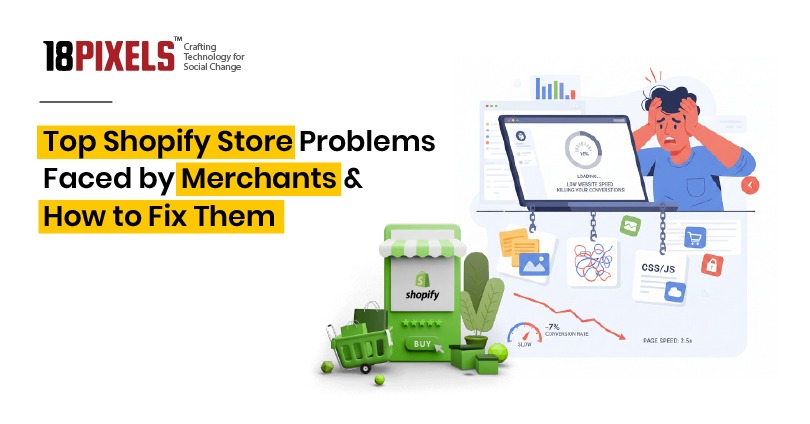

Are you struggling with your Shopify store’s performance? Many online retailers face similar challenges that prevent sales growth and customer satisfaction. Understanding the most common Shopify store problems—from slow website speed to high cart abandonment rates—is the first step toward building a profitable, high-converting store.
1. Low Website Speed Killing Your Conversions
Page load speed directly impacts your bottom line. Studies show that every 1-second delay in load time can reduce conversions by up to 7%, with mobile conversion rates notably lower than desktop (averaging 1.2% vs. 1.9%).
Heavy images, poorly optimized themes, and unoptimized apps are the primary culprits slowing down your store. Unoptimized images remain the #1 reason for sluggish stores, while complex themes and excessive apps add unnecessary JavaScript, CSS, and tracking scripts.
How to Fix It:
- Compress and resize images using Shopify’s automatic image optimization or tools like ImageOptim
- Choose lightweight, fast-loading themes like Dawn (Shopify’s default), Booster, or Turbo by Out of the Sandbox
- Remove unnecessary apps and consolidate functionality where possible
- Enable browser caching and Gzip compression to improve load times for returning visitors
- Use Shopify’s CDN to serve content faster globally
- Minimize HTTP requests by combining CSS and JavaScript files
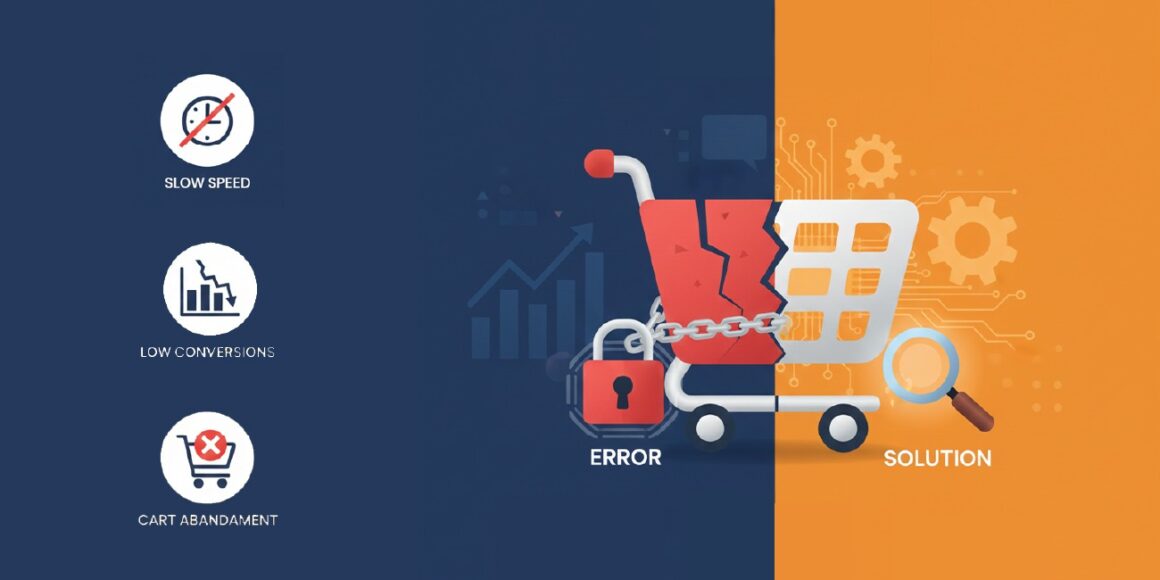
2. Poor Theme Customization & Design Limitations
Free and basic themes often lack the design flexibility merchants need to create unique, brand-aligned stores. Without coding knowledge, many store owners struggle to customize their themes or end up with generic-looking websites that don’t stand out in competitive markets.
Additionally, custom theme modifications can break during Shopify updates, disrupting your store’s appearance and functionality. Over-customized themes also contribute to performance issues and compatibility problems.
How to Fix It:
- Select a premium, well-coded theme with built-in design flexibility from the start
- Use Shopify’s theme editor and mobile preview to spot layout issues without touching code
- Apply custom CSS through media queries instead of editing core theme files directly
- Consider page builders like Tapita, Shogun, or GemPages for advanced customization without coding
- Version control your code changes to make updates safer
3. App Overload Destroying Store Performance
While Shopify apps add valuable features like pop-ups, reviews, and upsells, too many apps create significant problems. Each app injects its own scripts, stylesheets, and DOM elements, leading to code conflicts, layout errors, and dramatic slowdowns.
Many merchants install multiple apps solving individual problems without realizing the cumulative performance impact. App conflicts can also break critical functions like add-to-cart buttons and checkout processes.
How to Fix It:
- Audit your installed apps monthly and remove redundant ones
- Choose consolidated solutions that handle multiple functions instead of single-purpose apps
- Disable or remove apps you’re not actively using
- Test app compatibility before installing new tools
- Monitor your store’s speed impact after each app installation using tools like Google PageSpeed or GTmetrix
4. High Abandoned Cart Rate Draining Your Revenue
Cart abandonment averages 60-80% in e-commerce, directly impacting your revenue potential. The average Shopify conversion rate sits around 1.4%, slightly below the industry average of 2-4%, meaning most visitors leave without purchasing.
Common abandonment triggers include complicated checkout processes, unexpected shipping charges, slow page load times, and limited payment method options.
How to Fix It:
- Simplify your checkout process with minimal required fields
- Display shipping costs upfront and clearly to eliminate surprise charges
- Offer multiple payment options including Stripe, PayPal, Apple Pay, and Buy Now Pay Later services
- Enable Shopify’s abandoned cart email feature to send automated recovery emails with time-sensitive discounts
- Implement exit-intent popups with incentives to re-engage leaving customers
- Use apps like Cartly or PushOwl/Brevo for advanced cart recovery with SMS and push notifications
- Consider Shop Pay Installments, which can reduce abandonment by up to 28% by allowing customers to pay over time
5. Shopify SEO Optimization Challenges
Shopify’s rigid URL structure creates SEO challenges that many store owners struggle to overcome. The platform enforces /collections/ and /products/ prefixes in URLs, limiting customization for keyword optimization.
Duplicate content issues emerge when products appear under multiple URLs (through direct paths and collection filtering), confusing search engines and diluting your SEO efforts. Manual optimization requirements for meta tags, schema markup, and speed improvements add complexity.
How to Fix It:
- Implement canonical tags correctly to indicate your preferred URL version
- Optimize H1 headings and meta titles with target keywords since URL customization is limited
- Use keyword-rich internal link text directly related to your content
- Customize product handles with target keywords based on product titles
- Create descriptive collection URLs with keyword-appropriate handles
- Add structured data and schema markup using breadcrumbs to help search engines understand your site hierarchy
- Submit your XML sitemap to Google Search Console to ensure proper indexing
6. Payment Gateway Issues & Transaction Problems
Transaction failures during high-traffic periods, high third-party gateway fees, and limited payment options in certain regions frustrate both merchants and customers. Cash on Delivery (COD) availability varies by region, limiting payment flexibility for international stores.
How to Fix It:
- Use Shopify Payments when available in your region to reduce transaction fees
- Integrate multiple payment gateways to ensure redundancy during traffic spikes
- Display payment options prominently in your checkout
- Test payment processing regularly, especially before major sales events
7. Poor Mobile User Experience Losing Sales
Mobile optimization directly impacts your bottom line—yet many Shopify stores feature pixelated product images, unreadable text, misaligned buttons, and confusing navigation on smartphones and tablets. Mobile users are especially sensitive to speed and usability issues.
How to Fix It:
- Use Shopify’s mobile preview in the theme editor to spot layout issues quickly
- Ensure responsive design with flexbox or CSS grid so your layout adapts to all screen sizes
- Optimize image sizes and use responsive image techniques (srcset) for mobile devices
- Apply media queries to adjust font sizes and element visibility for smaller screens
- Create a sticky navigation bar to keep your menu accessible while scrolling
- Ensure buttons and touch targets are at least 44×44 pixels for easy mobile interaction
- Test your store on multiple devices and browsers using Google’s Mobile-Friendly Test and Chrome DevTools
8. Inventory & Order Management Chaos
Multi-channel selling creates sync issues where Shopify inventory doesn’t match marketplace inventory, leading to overselling and customer dissatisfaction. Slow stock updates and integration problems between apps complicate fulfillment operations.
How to Fix It:
- Use centralized inventory management apps that sync across all sales channels in real-time
- Regularly audit inventory counts across platforms
- Set low-stock alerts to prevent overselling
- Choose reliable fulfillment partners to maintain accurate order tracking
9. Limited Multi-Language & Multi-Currency Support
Global expansion requires language and currency support, yet Shopify’s native multi-language and multi-currency capabilities are limited. Most solutions require paid apps or expensive custom development, especially for complex implementations.
How to Fix It:
- Use apps like Geolocation apps to auto-detect customer location and display appropriate currency
- Implement hreflang tags for multi-language SEO
- Consider Shopify’s native multi-language features if using a newer plan
- Plan for app costs when budgeting for global expansion
10. Marketing & Conversion Optimization Struggles
Many Shopify store owners lack expertise in running effective ads, optimizing landing pages, setting up automated email flows, and tracking conversions properly. These gaps result in wasted ad spend and missed sales opportunities.
How to Fix It:
- Set up Google Analytics and Shopify Analytics properly to track customer behavior
- Create dedicated landing pages with clear calls-to-action for paid campaigns
- Implement automated email sequences for post-purchase follow-ups and cart recovery
- A/B test your landing pages, checkout flow, and product pages
- Use UTM parameters to track traffic sources and campaign performance

11. Checkout Customization Restrictions
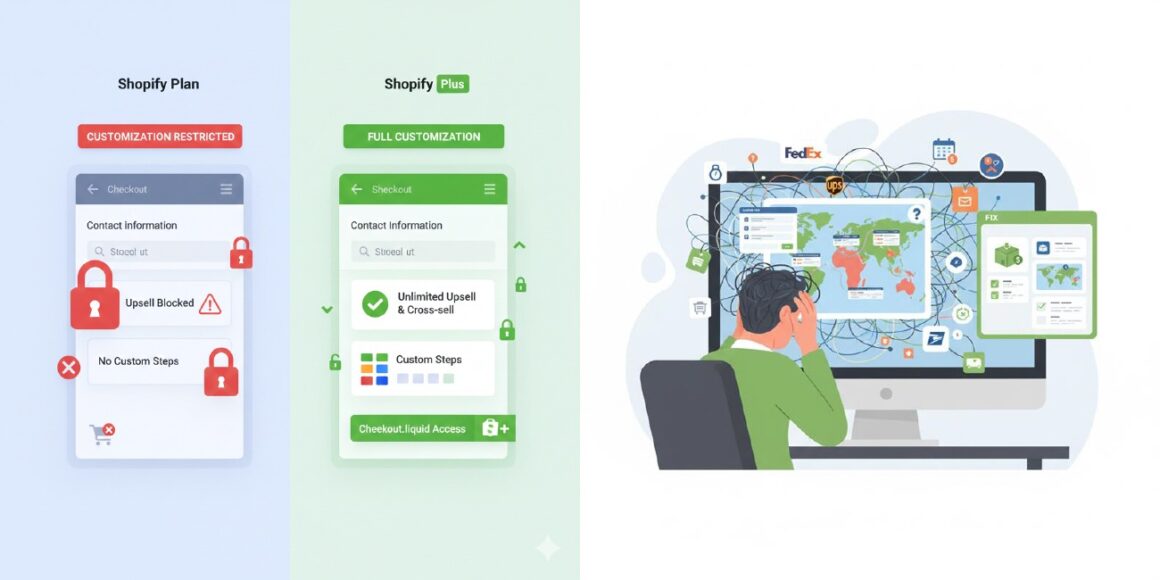
Standard Shopify plans limit checkout customization options, making upselling and adding custom steps difficult. Only Shopify Plus users get access to the checkout.liquid file for advanced customization.
How to Fix It:
- Upgrade to Shopify Plus if extensive checkout customization is essential for your business
- Use post-purchase extensions (available on most plans) to add upsell opportunities after checkout
- Apply Checkout UI extensions to add content to the checkout and order status pages
- Strategically use order notes and discount codes to guide customer behavior
12. Theme & App Breakdowns After Shopify Updates
Shopify regularly releases updates that can break custom code, incompatible apps, and integrations. Store owners often face sudden layout changes, lost functionality, or compatibility issues after platform updates.
How to Fix It:
- Keep all themes and apps updated regularly to ensure compatibility
- Test updates in a development store before deploying to your live store
- Document all custom code and third-party integrations
- Back up your store configuration regularly
- Choose well-maintained apps with strong developer support
13. Shipping Setup Complexity Confusing Merchants
Shopify’s shipping rate configuration—managing zones, weight-based pricing, price-based shipping, and special rules—overwhelms new store owners. Complex shipping logic leads to customer confusion and support issues.
How to Fix It:
- Start with simple, flat-rate shipping while you grow
- Use real-time carrier shipping rates (USPS, UPS, FedEx) through Shopify’s built-in integrations
- Create clear shipping zones based on customer location
- Test shipping calculations with sample orders before going live
- Clearly display shipping costs during checkout
14. Poor Analytics Understanding Hindering Growth
Many merchants struggle to interpret Shopify Analytics and Google Analytics data, making informed business decisions difficult. Without understanding key metrics like conversion rates, traffic sources, and customer behavior, optimization efforts become guesswork.
How to Fix It:
- Invest time learning Shopify’s built-in analytics dashboard
- Set up Google Analytics 4 for detailed traffic and conversion tracking
- Create custom dashboards tracking your key performance indicators (KPIs)
- Use tools like Google Search Console to monitor SEO performance
- Schedule monthly reviews of your analytics to identify trends and opportunities
- Consider hiring a Shopify expert if analytics feels overwhelming
Successfully running a Shopify store requires addressing these common problems proactively. Start by auditing your store’s speed, then move through mobile optimization, SEO improvements, and conversion rate optimization. Many of these issues can be resolved without significant investment—focus first on the areas most directly impacting your revenue. Regular maintenance, staying current with Shopify updates, and continuous optimization will keep your store competitive and profitable.
FAQs
Slow page speed is typically caused by unoptimized images, too many apps, or a poorly coded theme. Compress images, remove unnecessary apps, and consider switching to a lightweight theme like Dawn to improve speed instantly.
Enable Shopify’s abandoned cart email feature, simplify your checkout process, display shipping costs upfront, and offer multiple payment options. Exit-intent popups with time-sensitive discounts also work effectively.
Mobile issues usually stem from non-responsive themes or theme customizations that don’t adapt to smaller screens. Use the mobile preview in your theme editor, ensure your theme is responsive, and test on real devices.
Quality over quantity is key. Focus on apps that directly increase conversions—typically 5-10 well-chosen apps are sufficient. Each app adds code bloat, so audit monthly and remove underperformers.
Yes. Use keyword-rich meta titles, descriptions, and H1 tags (since URL customization is limited). Create internal links, add schema markup with breadcrumbs, and optimize product handles with target keywords.
Payment failures during traffic spikes often indicate a single payment gateway limitation. Add multiple payment gateways like Stripe, PayPal, and Shopify Payments for redundancy.
Use centralized inventory management apps that sync across Shopify, Amazon, Etsy, and other platforms in real-time. Set up low-stock alerts to prevent overselling.
Standard Shopify plans offer limited checkout customization. Use post-purchase extensions to add upsells, or upgrade to Shopify Plus for full checkout.liquid access.
Always test updates in a development store first. Keep themes and apps updated, document custom code, and maintain regular backups. Have your developer’s contact info handy.
Start with Shopify’s built-in Analytics dashboard for basic metrics. Set up Google Analytics 4 for detailed insights. Create custom dashboards tracking your KPIs, and review monthly to identify trends.
Don’t stop here—discover more in our latest blog –
Shopify Store Not Selling? How to Transform Visitors into Paying Customers
10 Shopify Hacks: Simple Ways to Boost Your Sales Today
10 Signs Your Shopify Store Isn’t Working — And How to Fix Them Fast
Post Views: 1975